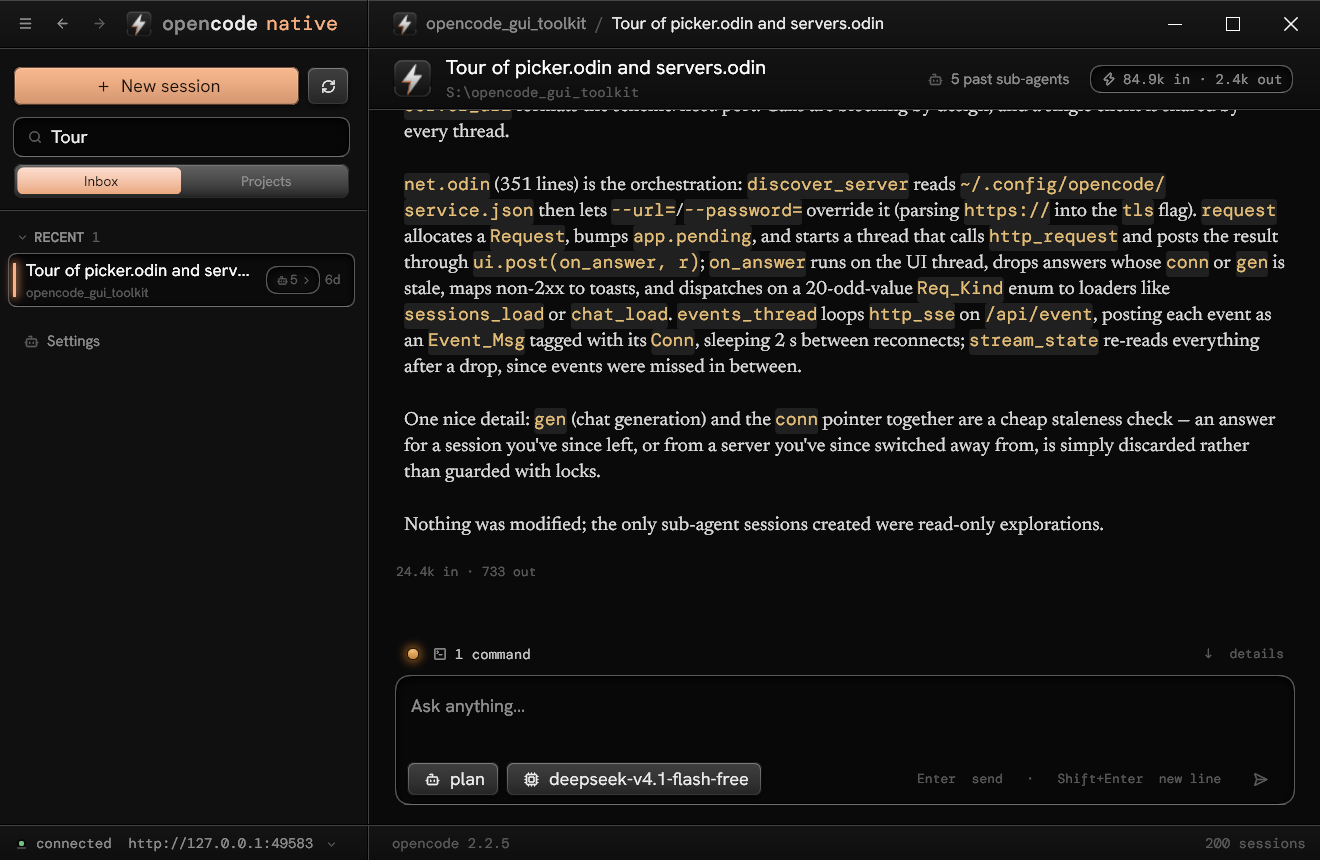
Streamed live
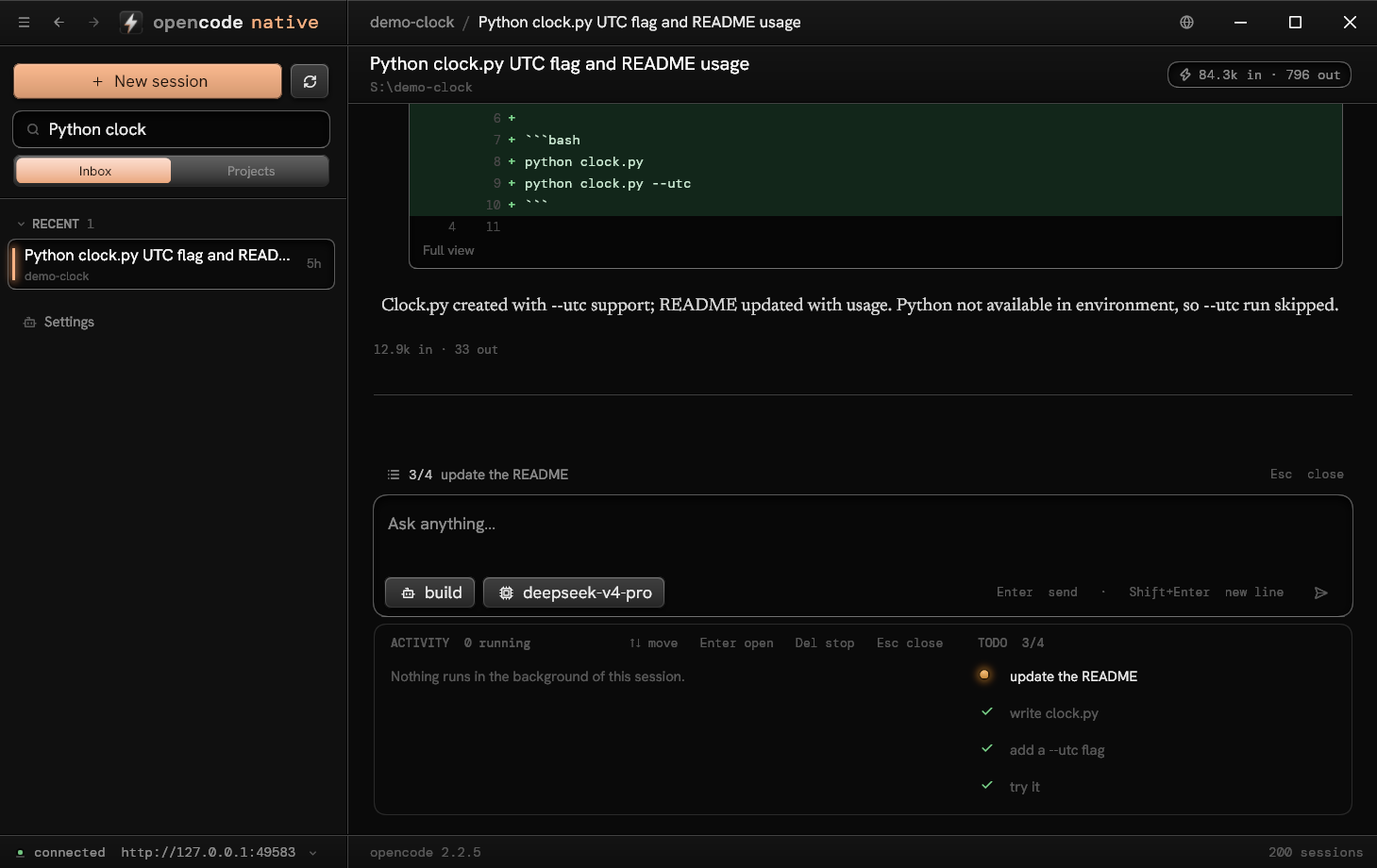
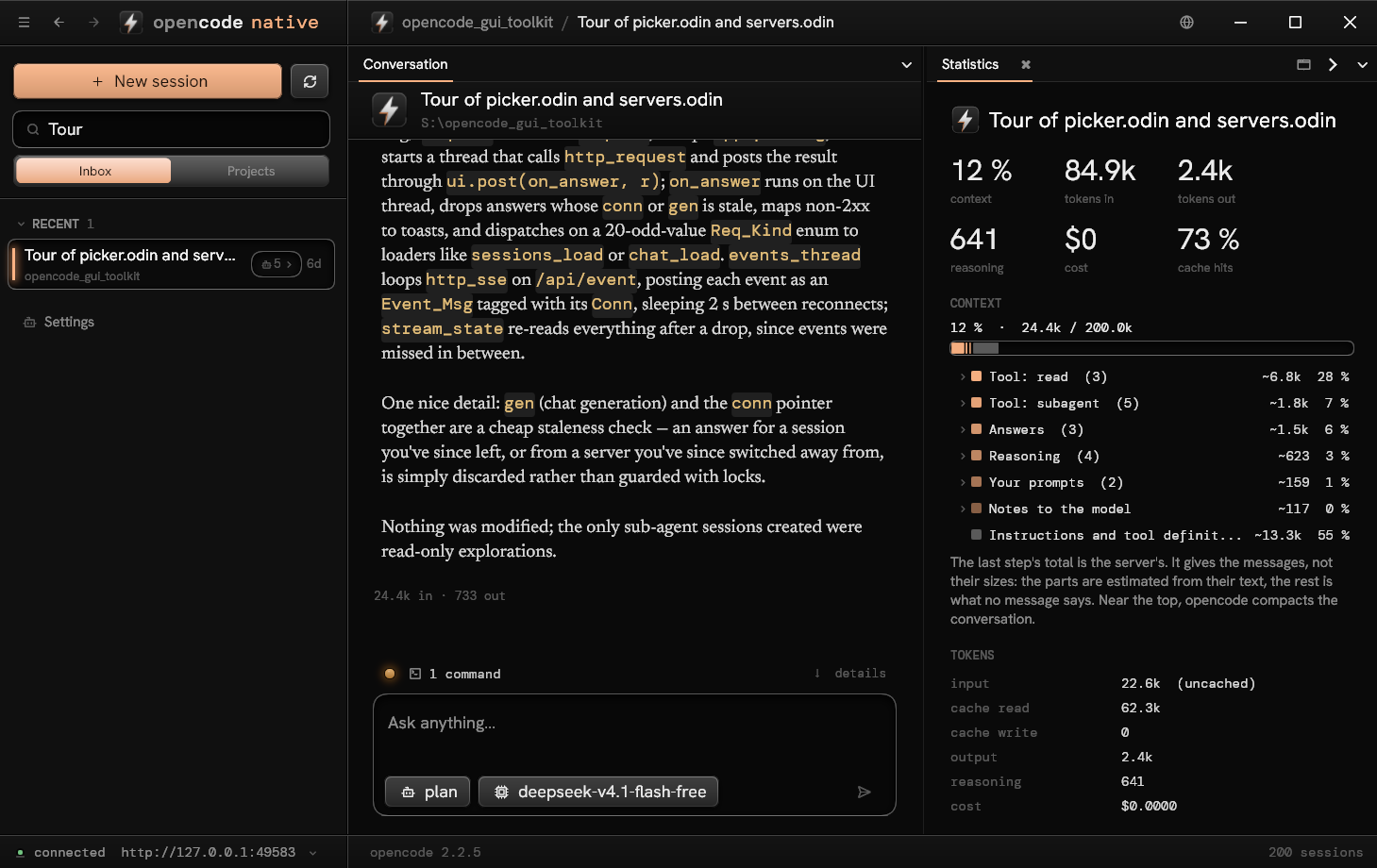
Sessions grouped by project, the conversation from the server's event stream: Markdown with real tables, code with
a copy button, reasoning, every tool call with its input and output, tokens and cost. Scroll up as far as the session
goes: earlier messages come by themselves, and the keyboard scrolls too.
One field for everything
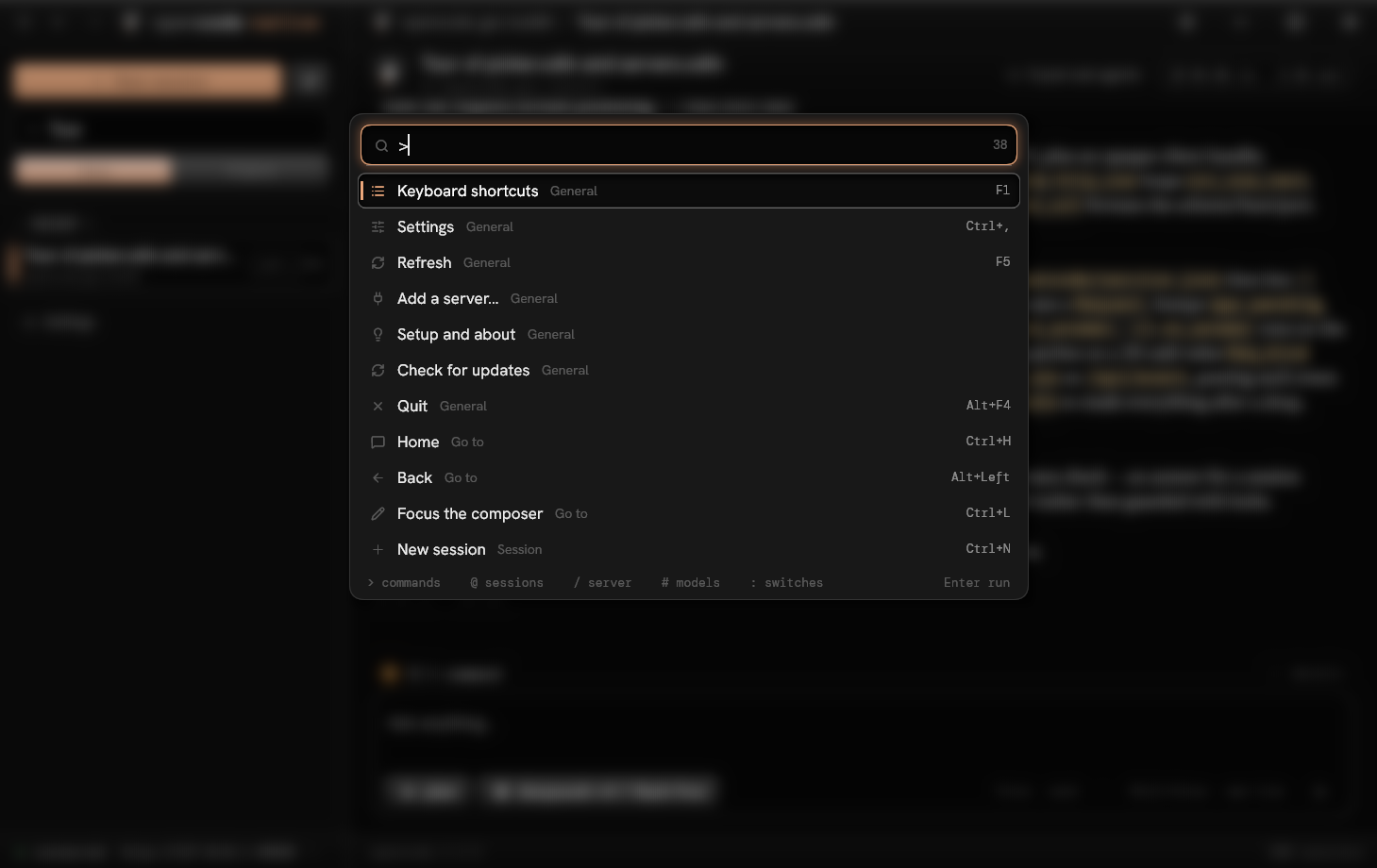
Ctrl+K: commands, sessions, agents, models, the server's commands and every switch of the settings, narrowed by
> @ / # :, what you chose before first. F1 lists
the keys, from the same table.
Tool calls by what they do
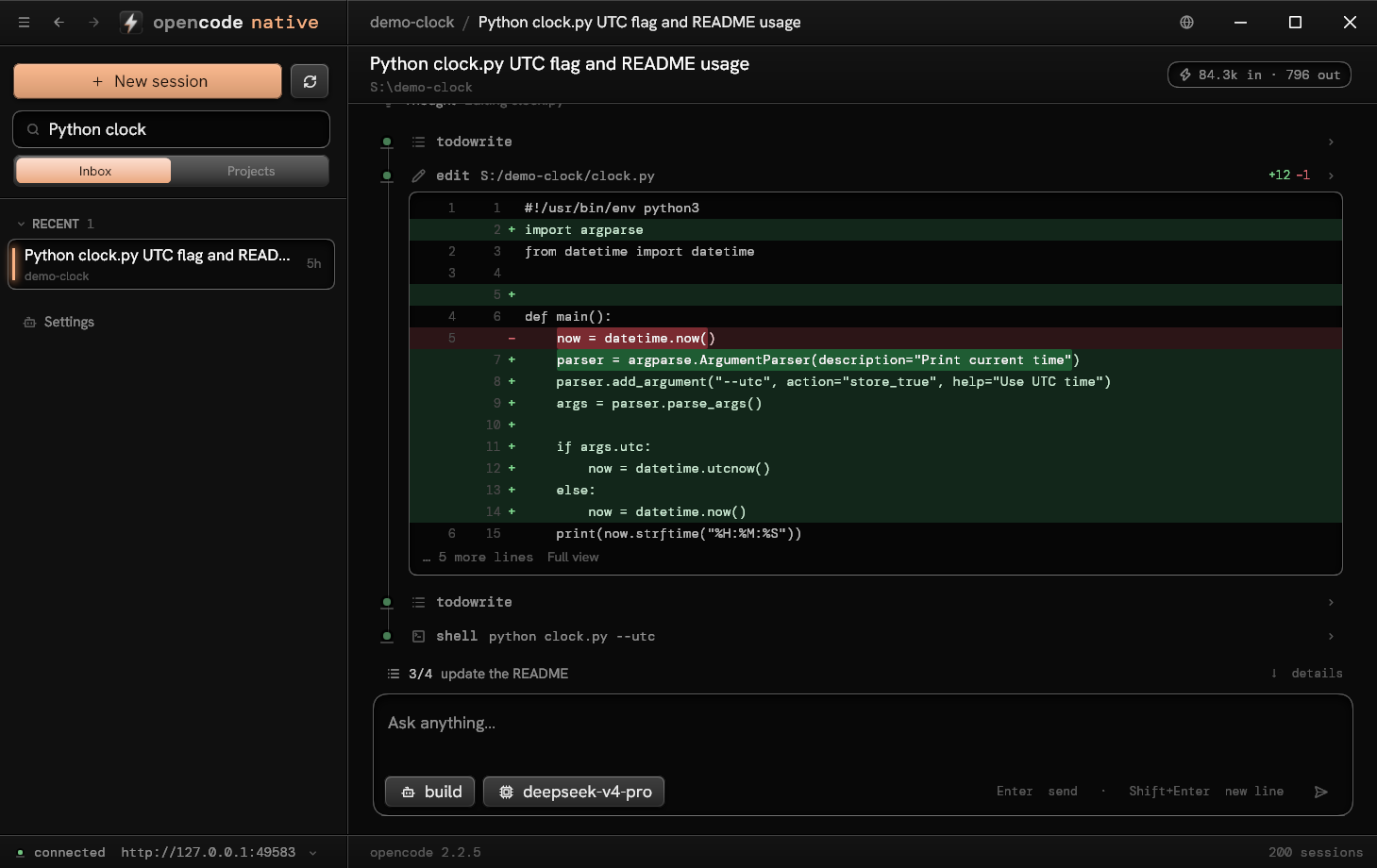
A diff for what edits a file, with line numbers and the changed words marked, shown even folded; the lines of a
file, matches under their file, a command and its output, a checklist. Never raw JSON.
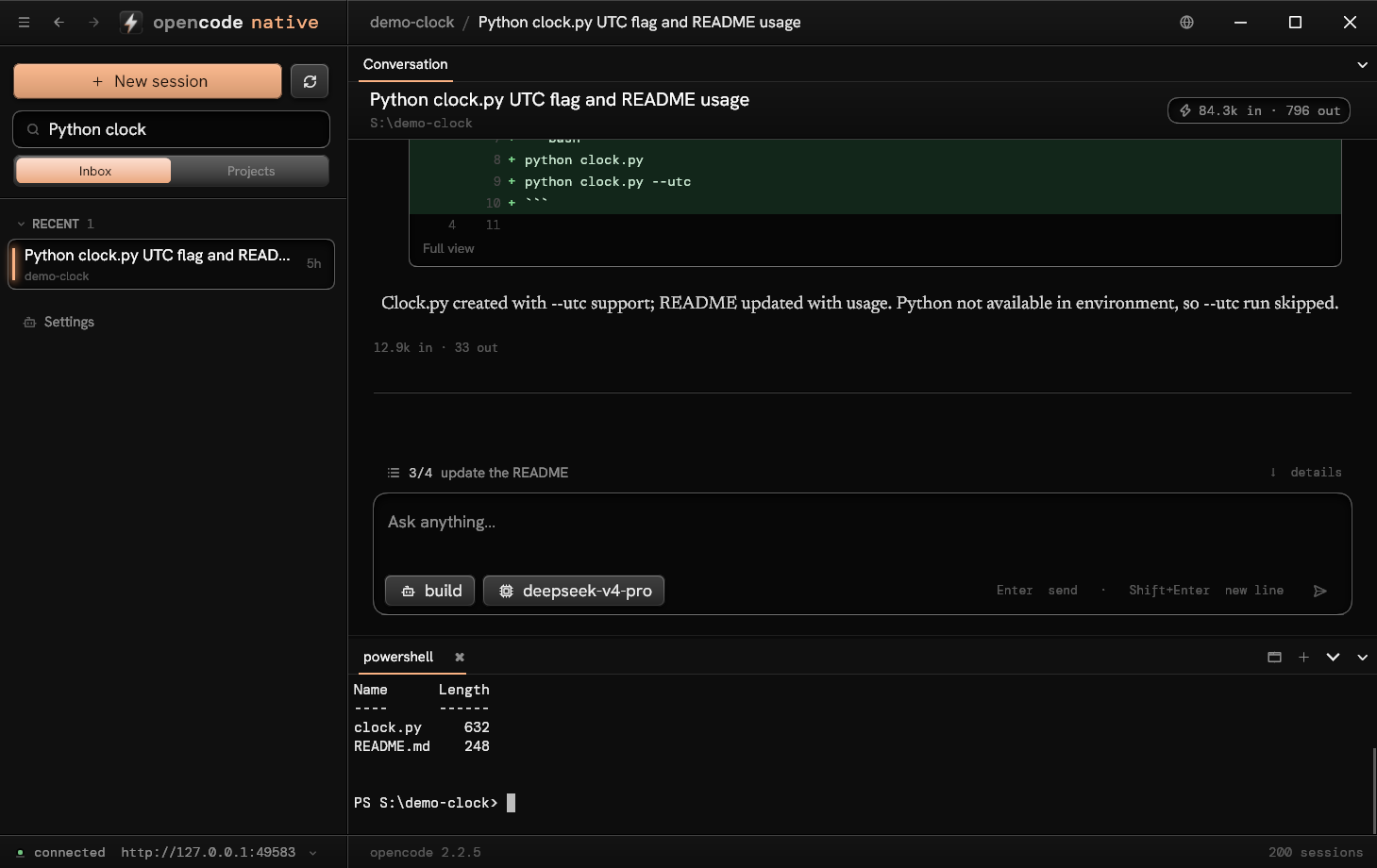
What runs, in view
Down from the composer opens a tray under it: the sub-agents and the shell commands of the session's folder, each
with the tail of what it prints, and the whole todo list. Enter opens, Delete stops.
A browser beside it
Ctrl+Shift+B opens the Preview panel in a dock whose layout is kept, apart from your own browser (Windows). Agents
drive it through tools the client hosts: open a page, read it, click, fill, run a script, take a picture.
The prompt at hand
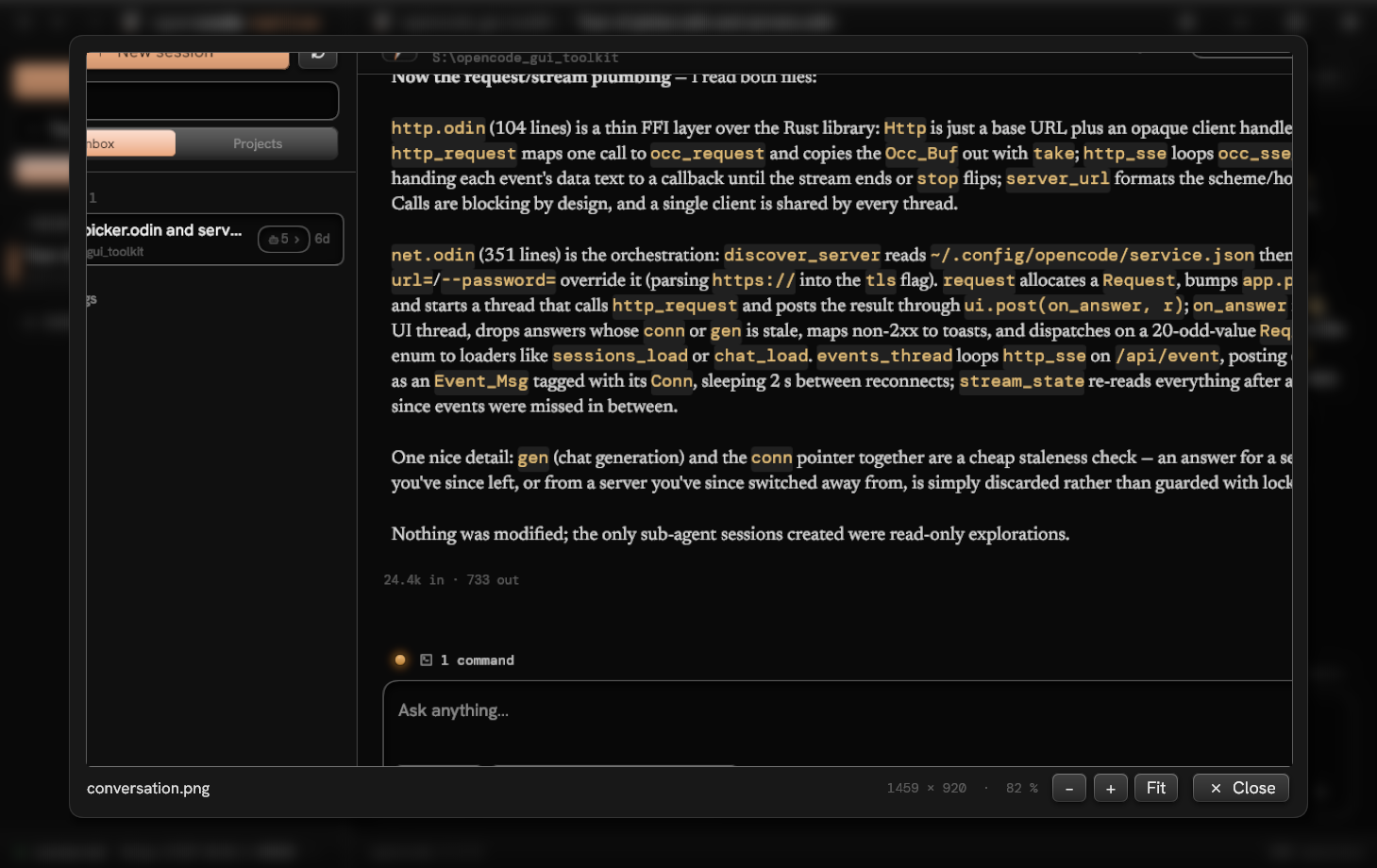
Up and Down go through what you sent. Paste an image or files; quote a passage of an answer with Ctrl+Q; right click
a prompt, an answer or a tool call; rename and fork a session. A new session starts with the agent and model of the
last one.
Updates you can trust
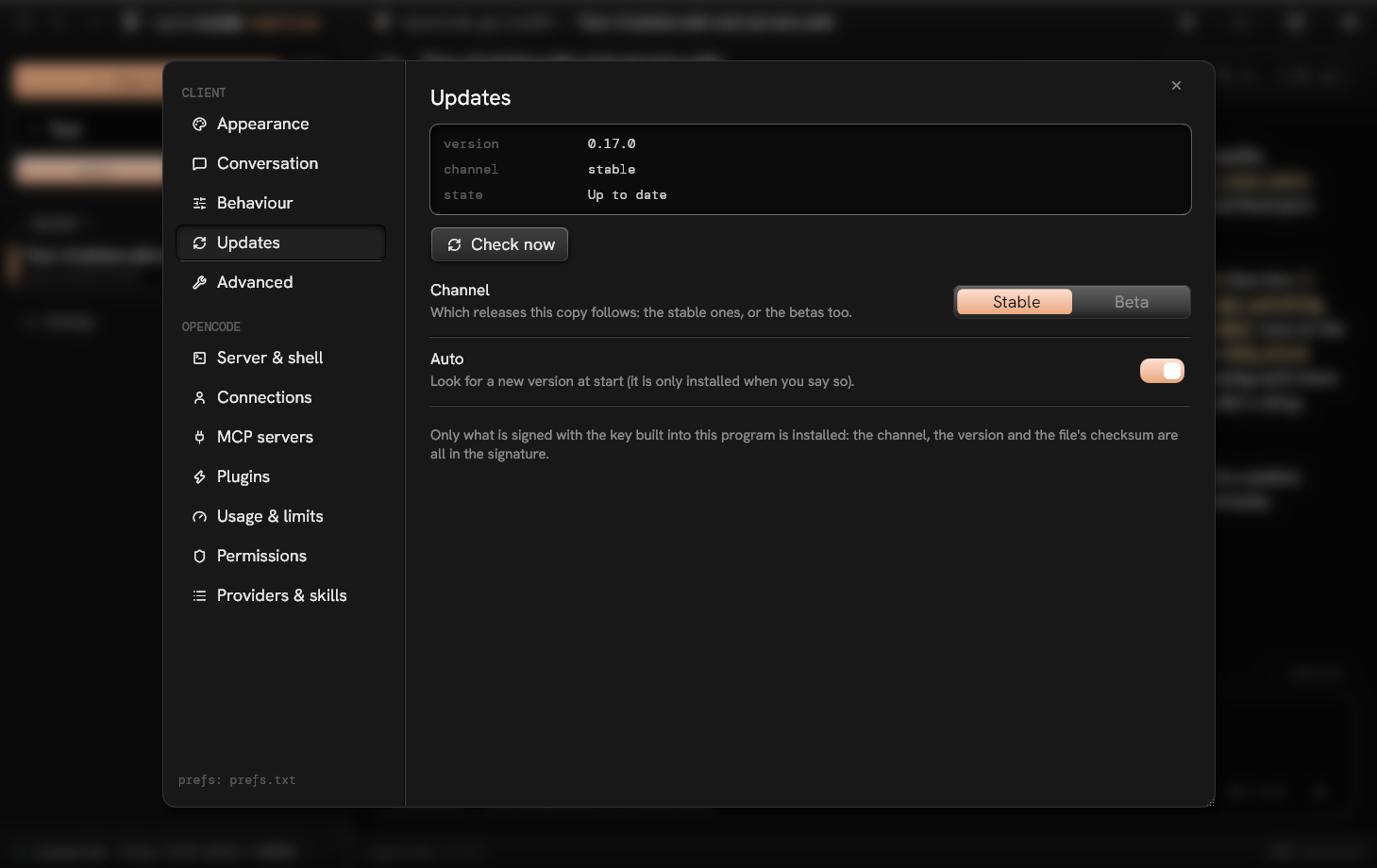
Windows copies update themselves when you say so, on the stable or the beta channel. Only what is signed with the key
built into the program is installed: the channel, the version and the checksum are all in the signature.
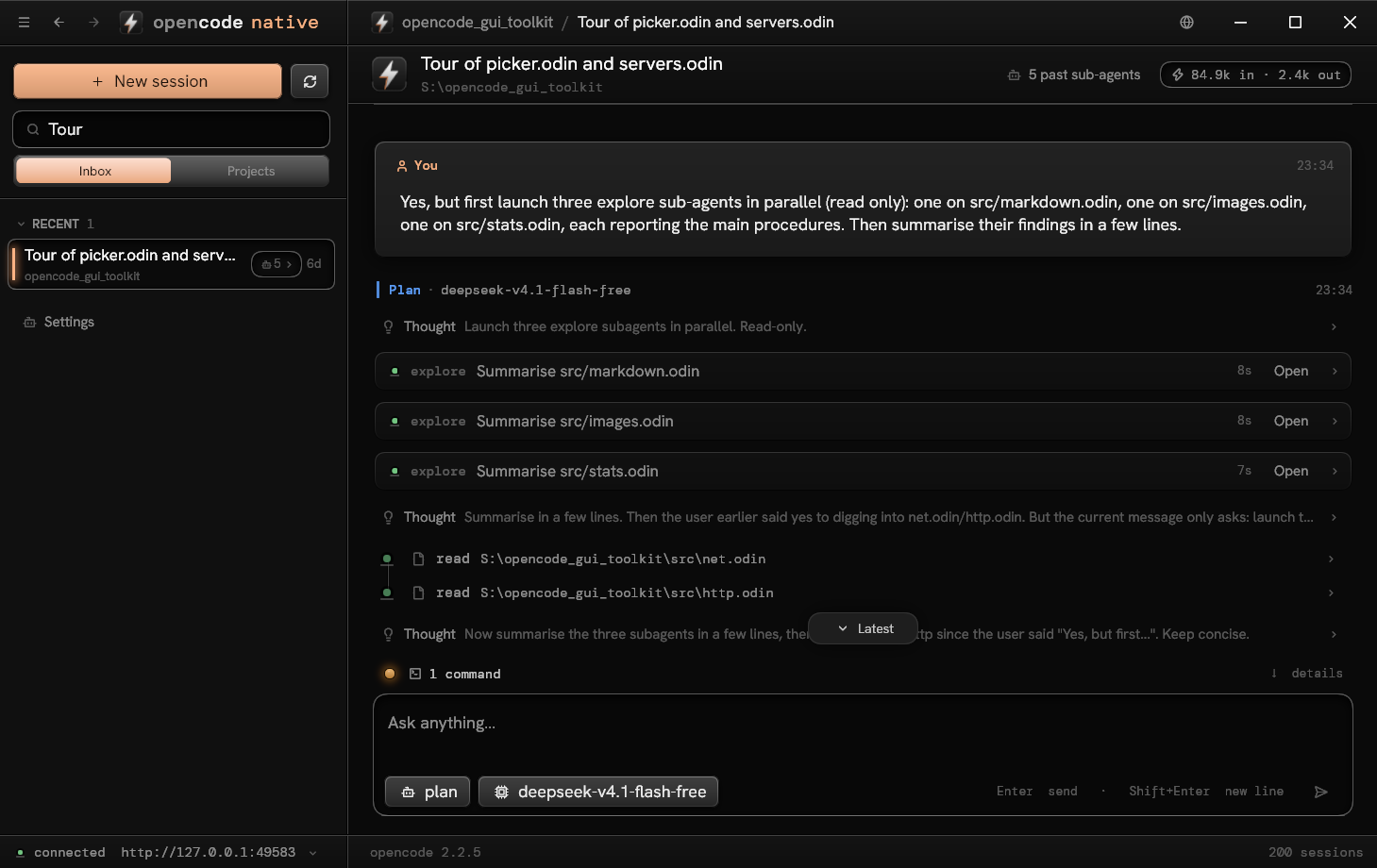
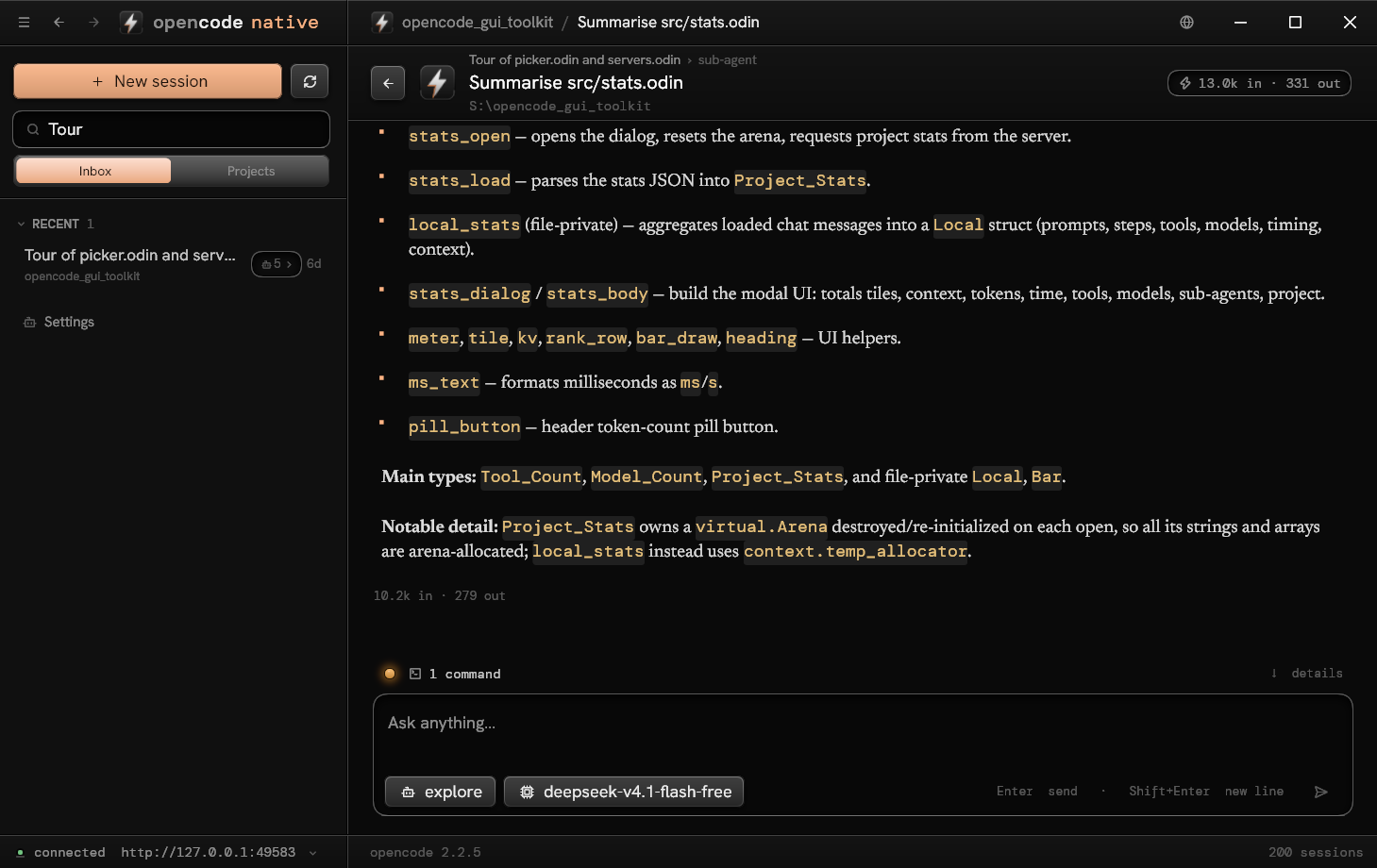
Sub-agents in front
A card per launch with its state, live activity, model and cost; the running ones lit and counted; drill down into
any of them and come back with Alt+Left.
Search as you type
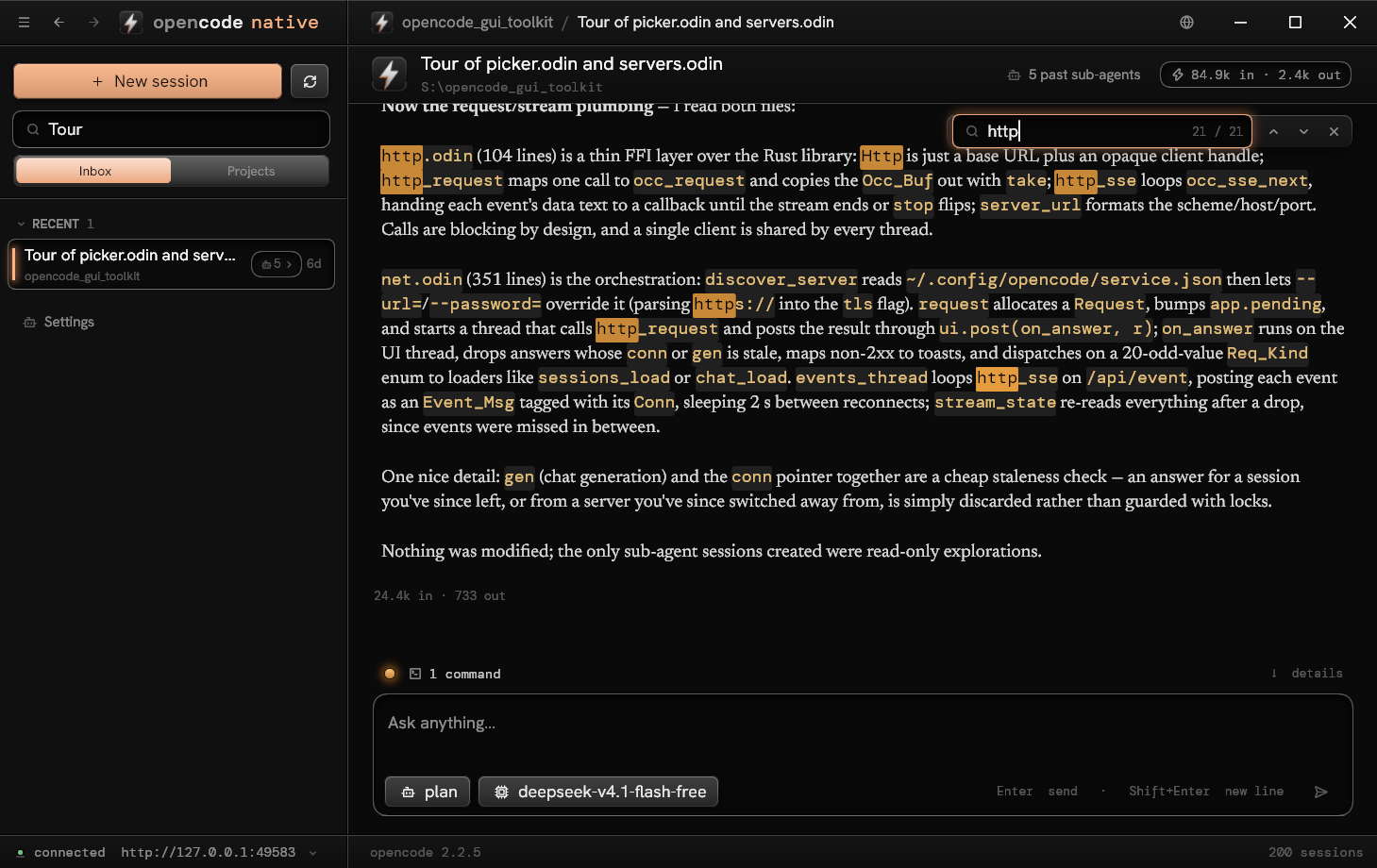
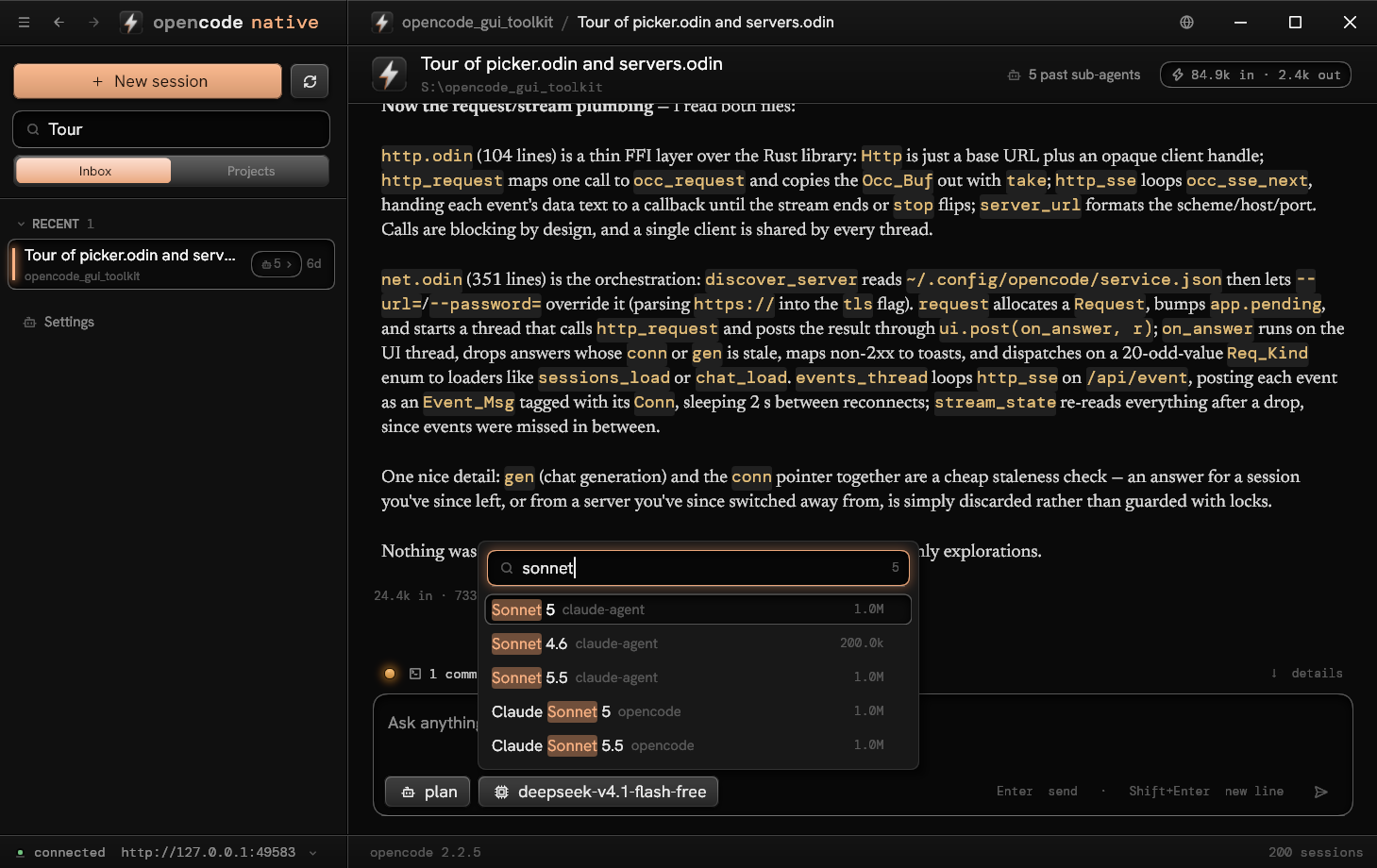
Ctrl+F lights every match in the conversation and scrolls to the next. The agent and model pickers match
subsequences ("cs5" finds Claude Sonnet 5) and light the letters that matched.
A terminal
The shells of the server in a panel, with Ghostty's emulation. They run where it runs, and wait for you.
Schedules, artifacts, plugins
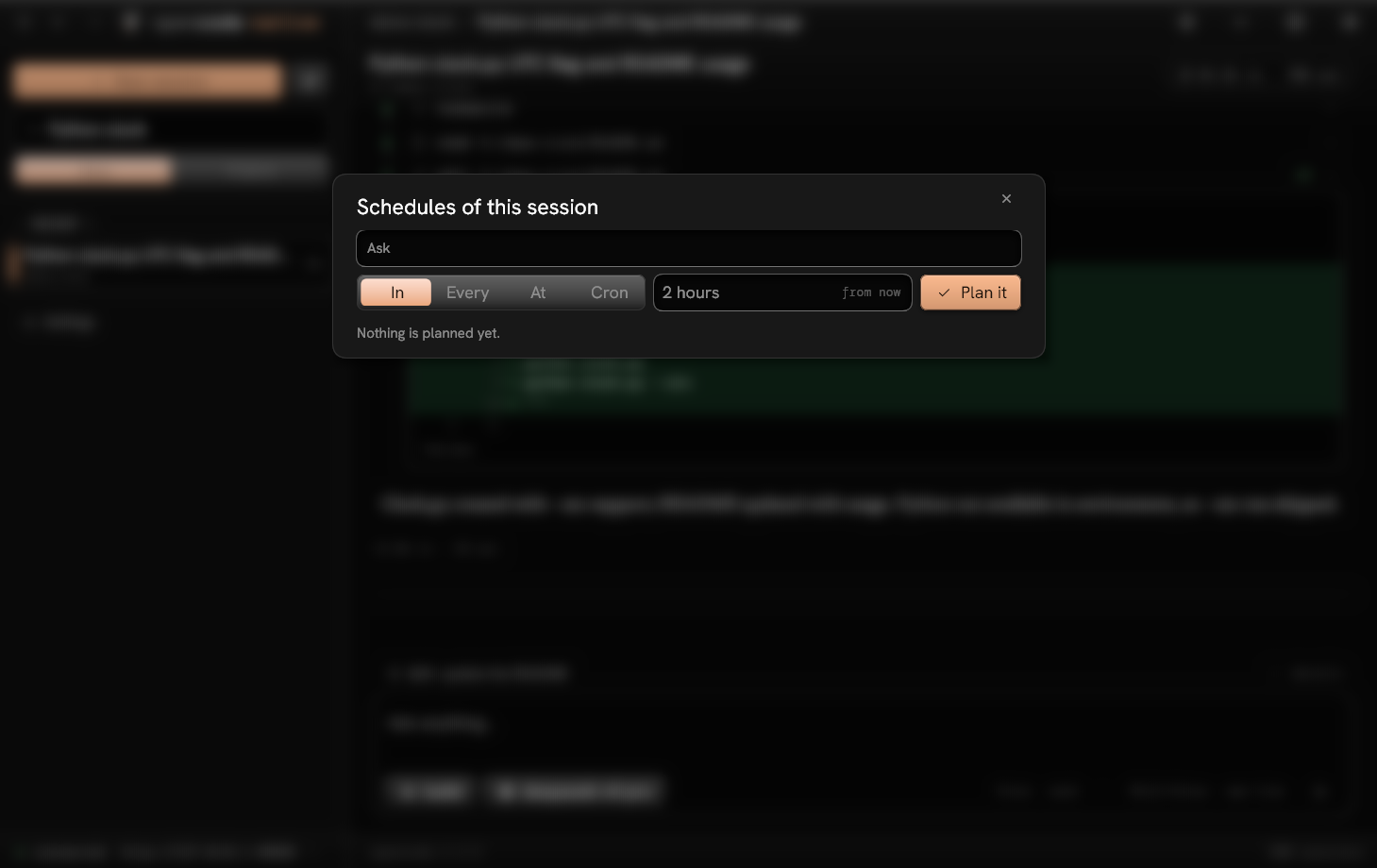
A prompt that wakes a session later, the pages agents published, the server's plugins.
Connections
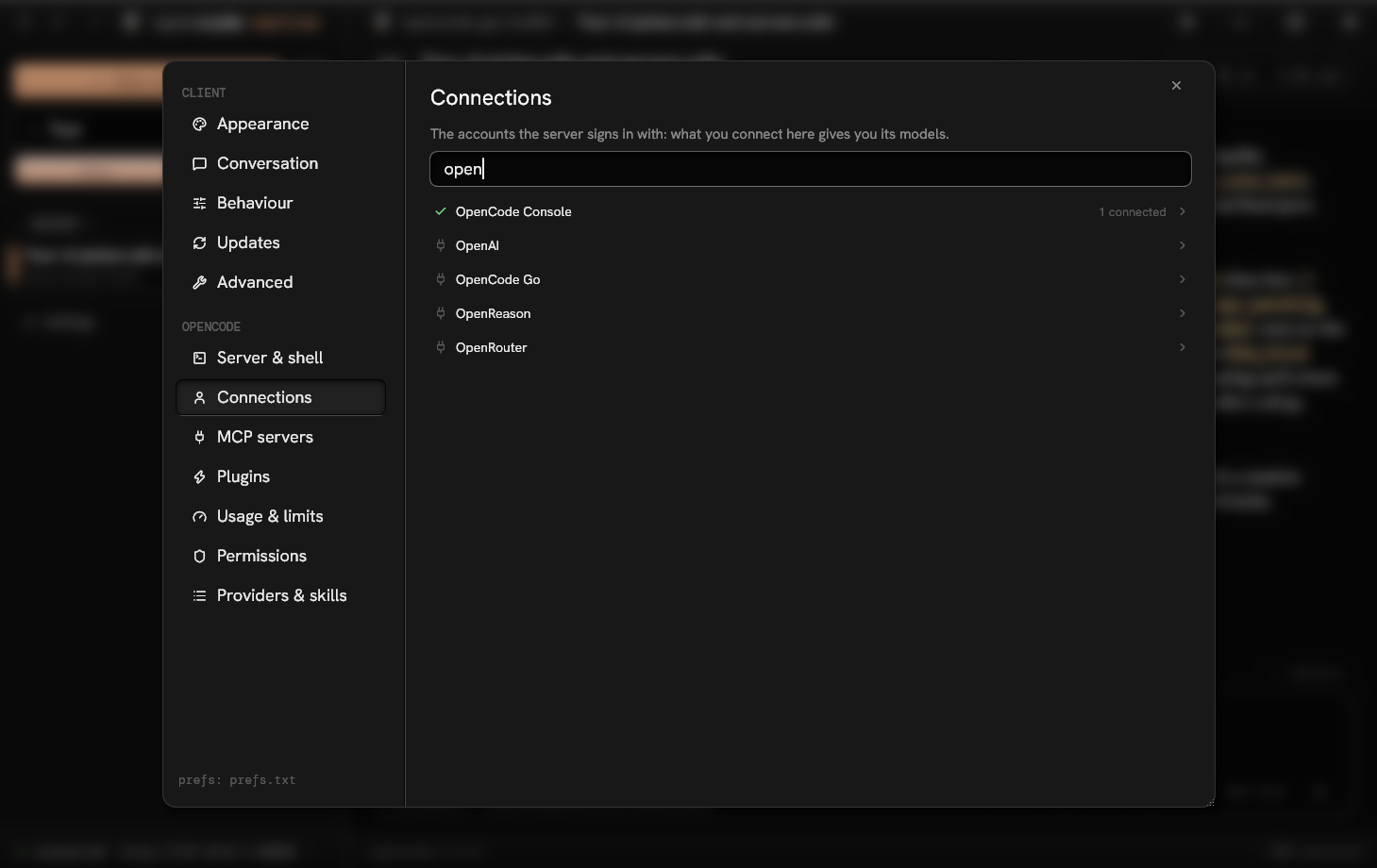
Every integration of the server in one page: a key or a login, several accounts of each.
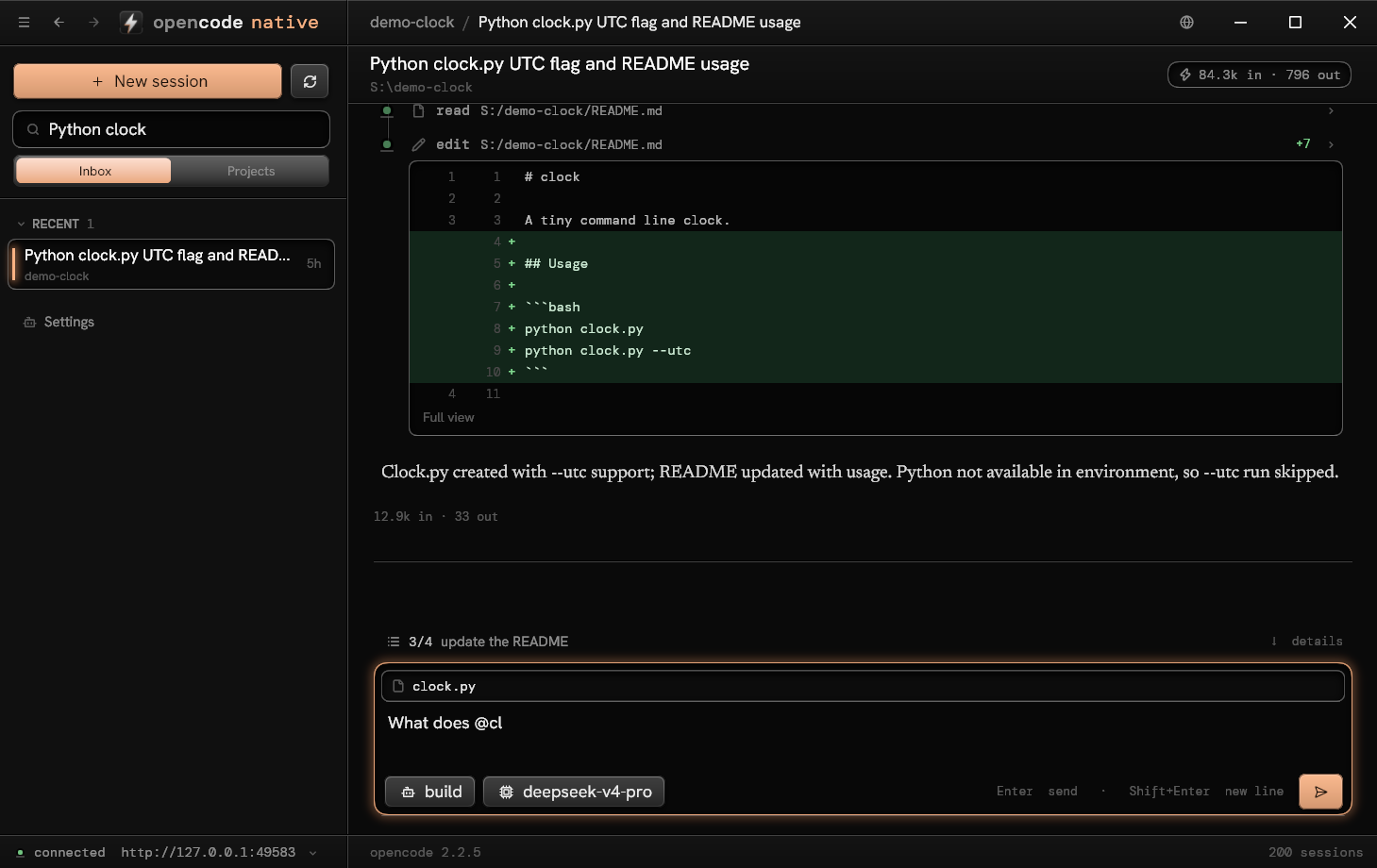
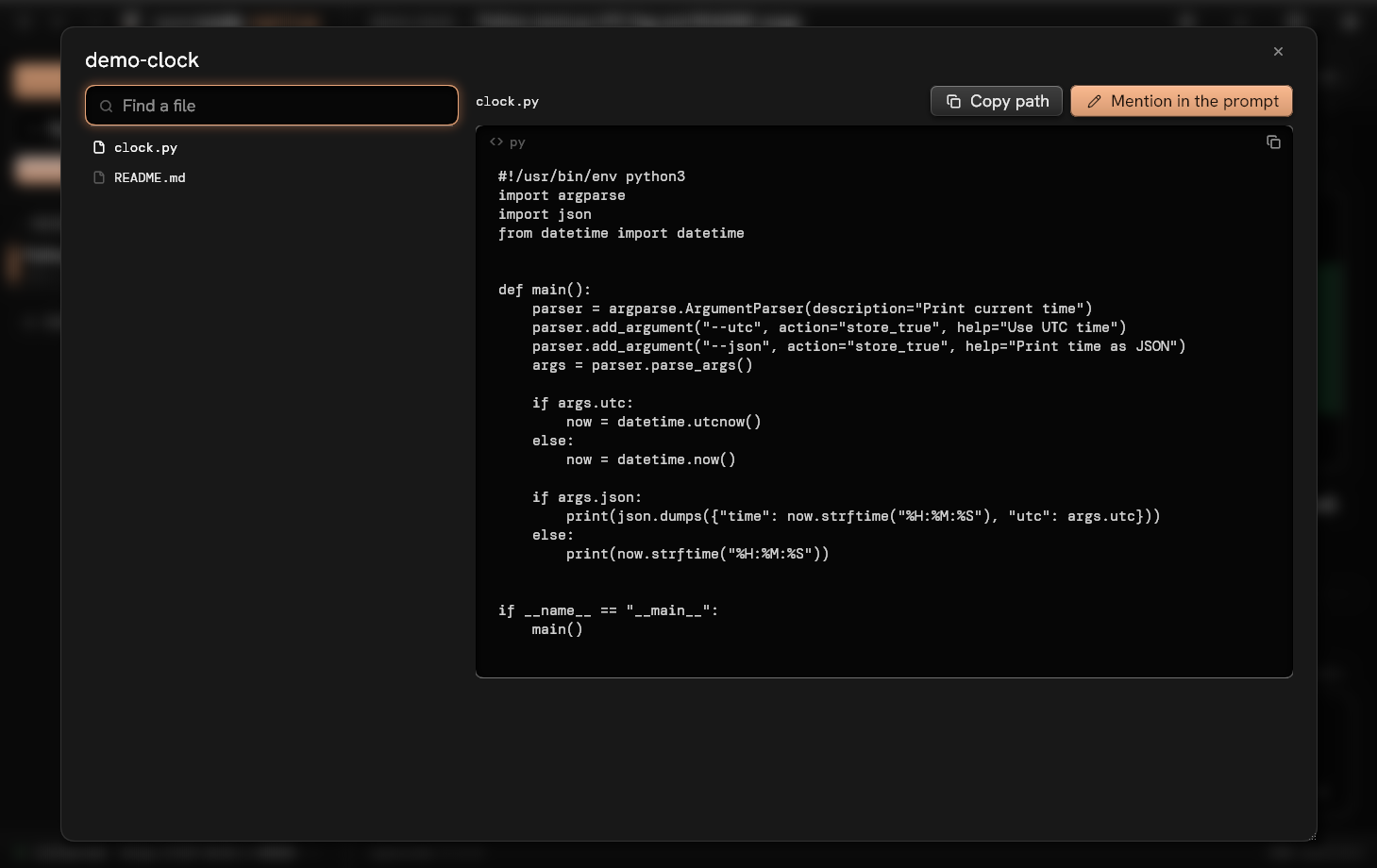
@ names a file
Type @ for a file or a sub-agent, as you type. Ctrl+P browses and reads the folder, wherever the server runs.
Go back to a prompt
See which files it restores, keep it or cancel. Move a session, export it, import it elsewhere.
When the agent asks
Its questions come one at a time, in tabs, then a review. The sidebar lights a session that waits for you.
Back and Forward
A history of where you have been, as in a browser: the buttons of the title bar, Alt+Left and Alt+Right, the side buttons of the
mouse. A conversation comes back at the very line you left it on, and the logo goes home.
Several servers
This computer's opencode server is found by itself; add others (an address, a password) and switch from the
status bar.
Statistics
Click the token count: totals, the context window filled, time and pace, tools with their failures, models,
sub-agents, and the whole project's numbers.
Machined, and quiet
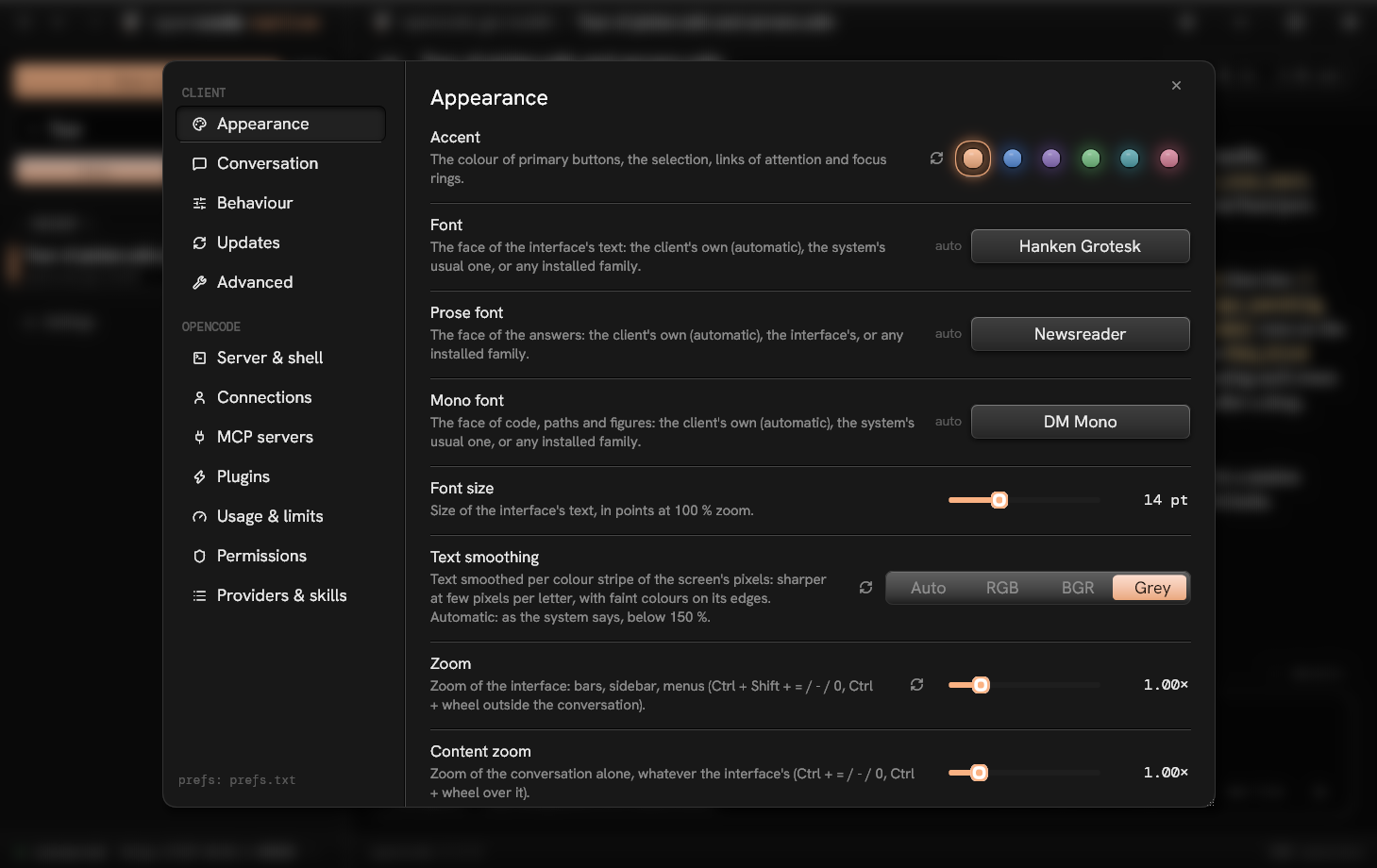
opencode's dark palette with bevelled buttons, sunken wells and carved grooves; lamps only where something is
live. Answers in a serif of their own, the interface in a grotesque, sharp even at 100 %. Resizing never stretches a
frame, and a key reaches the screen in about 34 ms.